One job, done properly: keep a wedding running to time when your hands
are full.
Build the timeline in minutes
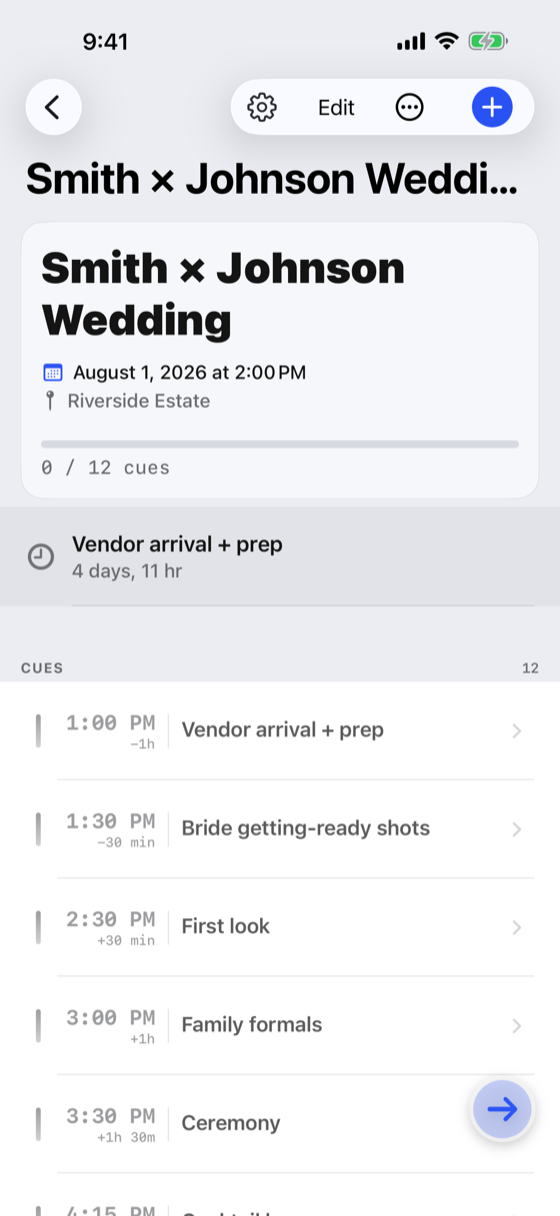
Add each cue as an offset from the event start — “+45 min · Cake
cutting” — so a ceremony that starts twenty minutes late shifts
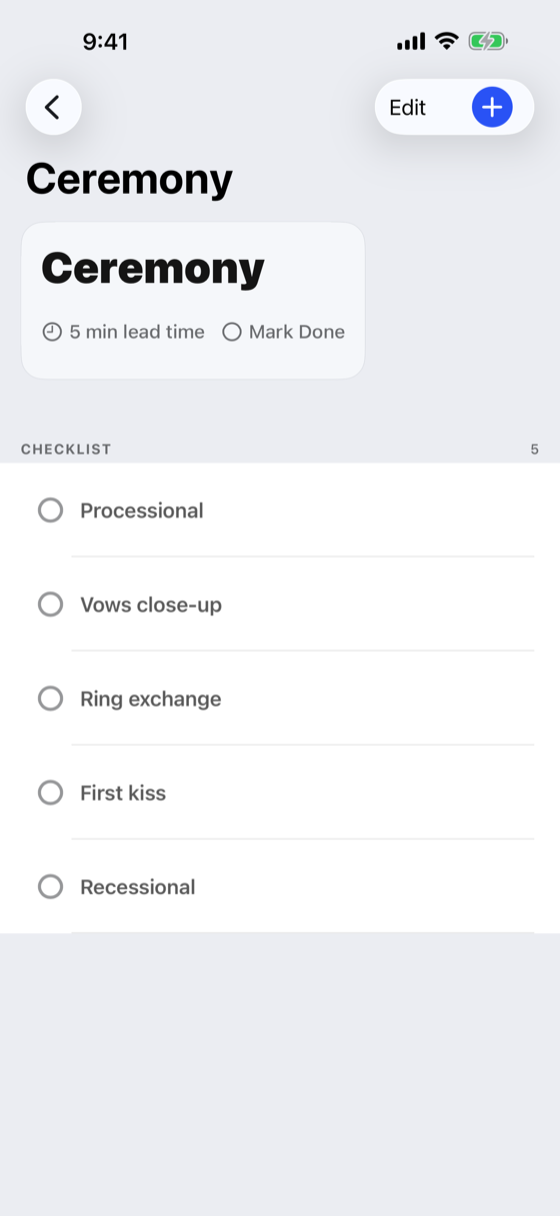
the whole run-of-show with it. Give any cue a lead-time reminder
of 5, 10, 15 or 30 minutes.
Check cues off from your Watch
The Apple Watch app shows the next cue and takes the check-off, so
you can keep shooting or keep mixing. Check-offs sync back to
iPhone, and iPhone changes flow out to the Watch.
A complication for the next cue
Put the next cue on your watch face. It shows what is coming and
when, and refreshes as the app updates it through the day.
Live Activity and Dynamic Island
During an event, a Live Activity keeps the next cue and its
countdown on the Lock Screen and in the Dynamic Island, so it is
readable without opening the app.
Import a timeline you already built
Already have the run-of-show in Apple Calendar, Google Calendar or
Outlook? Import it and each event becomes a cue — from a calendar
on your device, or from an .ics file someone sent
you. You review the whole list and confirm before anything is
saved.
Import is one-way: Crew Sheet reads your calendars and never
writes back to them. iOS shows this as Full Access because it
offers no read-only calendar permission — the app only ever reads.
Export a PDF crew sheet
Share a formatted crew sheet with the rest of the team over
AirDrop, Messages or email. Your collaborators — second shooter,
videographer, florist — are listed with their roles and contact
details.
Wedding Mode
Turn it on at the start of the day to put the app into its day-of
posture: the running timeline front and centre, and the Watch and
Live Activity surfaces kept current.
Your data stays yours
Everything lives on your device and in your own private iCloud.
There is no Crew Sheet account, no server of ours holding your
schedule, no analytics SDK and no tracking.
Read the privacy policy.